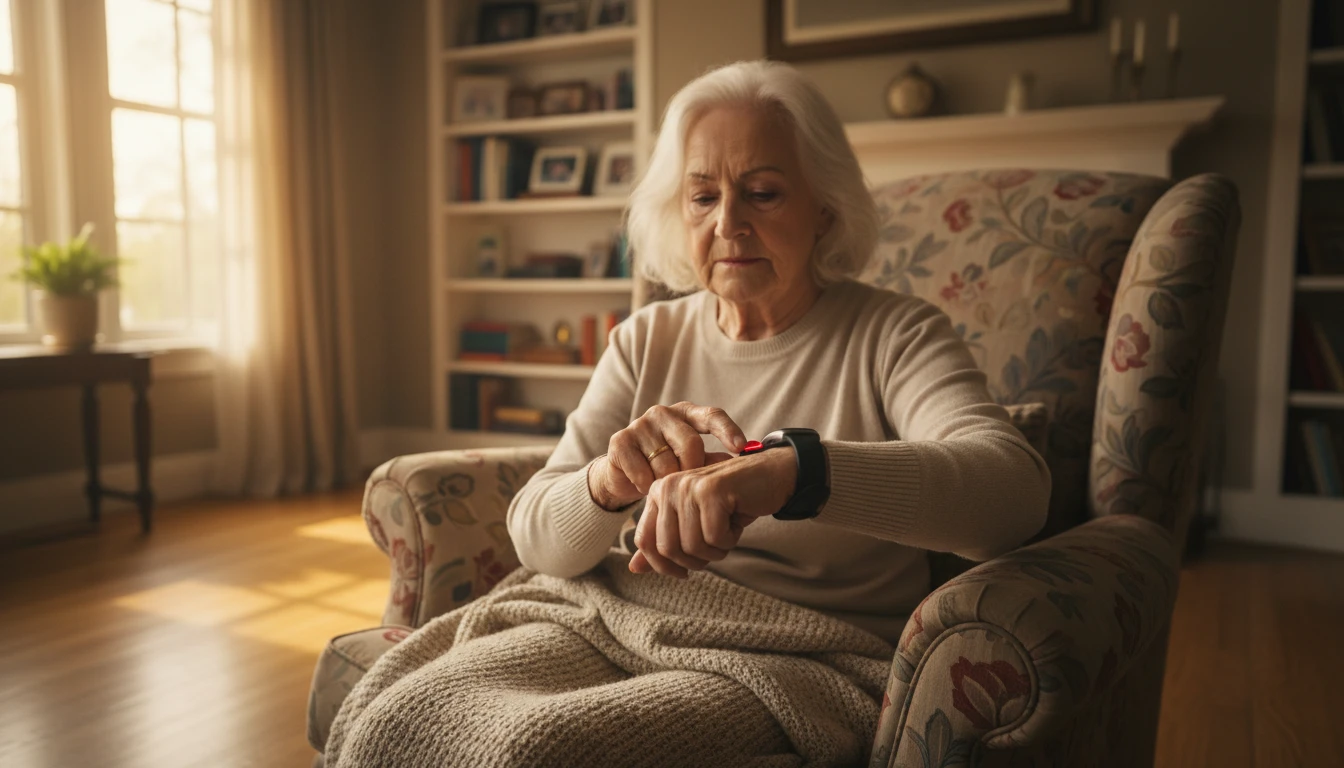
The Complete Guide to Safety Alerts for Seniors: Emergency Systems That Actually Work
Discover how safety alerts for seniors work, what features matter most, and how to choose the right emergency response system for your loved one.
I remember the exact moment I realized my grandmother needed more than just a phone on the nightstand.
She’d slipped in the bathroom — nothing catastrophic, thankfully — but she’d sat on the cold tile floor for nearly forty minutes before anyone knew. Forty minutes. By the time we found out, she was fine physically, but shaken in a way that took weeks to fade. And honestly? So was I. That afternoon changed how our whole family thought about her safety, and it’s a big part of why I care so much about this topic today.
If you’re reading this, you’re probably in a similar place — trying to figure out how to keep someone you love safe without turning their home into a surveillance operation or making them feel like they’ve lost their independence. That tension is real, and it’s one I’ve navigated personally. The good news is that modern safety alerts for seniors are built with exactly that balance in mind. This guide covers everything you need to know — how the technology works, what features actually matter, how to pick the right system, and where the whole space is headed.
Why Safety Alerts for Seniors Are Worth Taking Seriously
Let me throw a number at you that I genuinely couldn’t shake when I first read it: according to the CDC, falls are the leading cause of injury-related death among adults 65 and older. Millions of older adults are treated in emergency departments for fall injuries every single year — and a huge portion of those falls happen at home, alone, when no one is around to help.
I’m not sharing that to scare you. I’m sharing it because it’s the kind of statistic that reframes the conversation. We tend to think of safety devices as something for “later” — for when things get really serious. But the whole point of safety alerts for seniors is to be there before things get serious. Before the forty-minute wait on a cold bathroom floor becomes something worse.
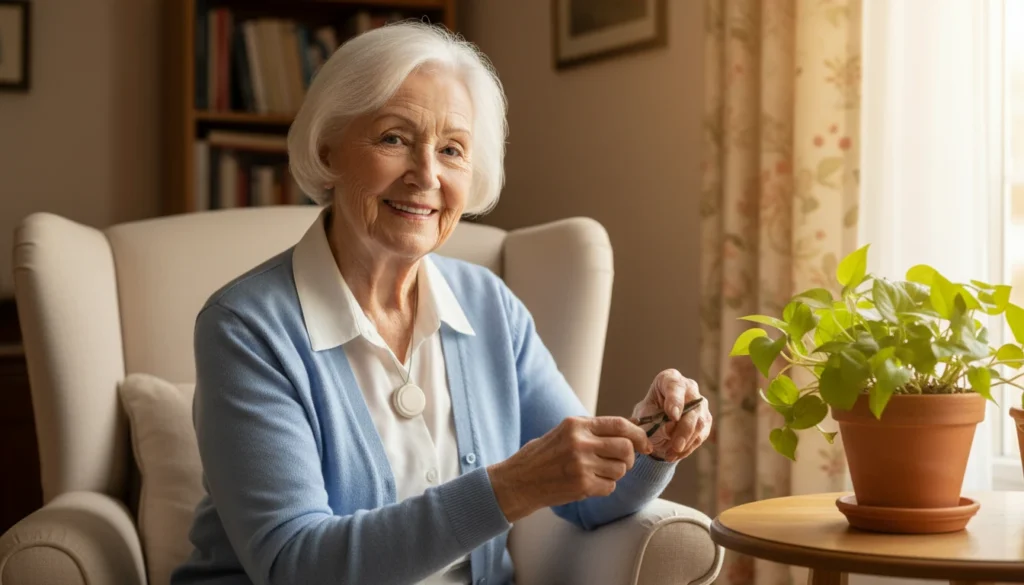
And here’s the thing nobody talks about enough: these systems don’t just protect seniors. They protect the mental health of everyone who loves them. The low-grade anxiety of wondering “did she fall? is he okay? why isn’t he answering?” is exhausting in a way that’s hard to describe until you’ve lived it. A good safety alert system doesn’t eliminate worry — nothing does — but it gives you somewhere to put it.
How Do Safety Alert Systems Actually Work?
When I first started looking into these devices, I half-expected them to be glorified panic buttons with a fancy price tag. I was wrong — and pleasantly surprised.
At their core, safety alerts for seniors pair a wearable device (a pendant, wristband, or smartwatch) with a way to summon help, either by pressing a button or through automatic detection. But the technology underneath that simplicity is genuinely impressive.
Most modern systems combine:
- GPS tracking so the device knows where the user is, whether they’re home or out at the farmers market
- Two-way voice communication built directly into the device — no phone needed
- Fall detection sensors that recognize the motion signature of a fall automatically
- Cellular or Wi-Fi connectivity to transmit alerts in real time
A 2023 study by GC Chung showed just how far this has come — researchers built a low-cost IoT wearable prototype that monitors heart rate, detects falls, and pinpoints indoor location, sending real-time updates and emergency messages to a caregiver’s Android app via platforms like Firebase and Google Assistant. What used to require hospital-grade equipment now fits on someone’s wrist. That still kind of blows my mind.
The Types of Safety Alert Systems — And How to Tell Them Apart
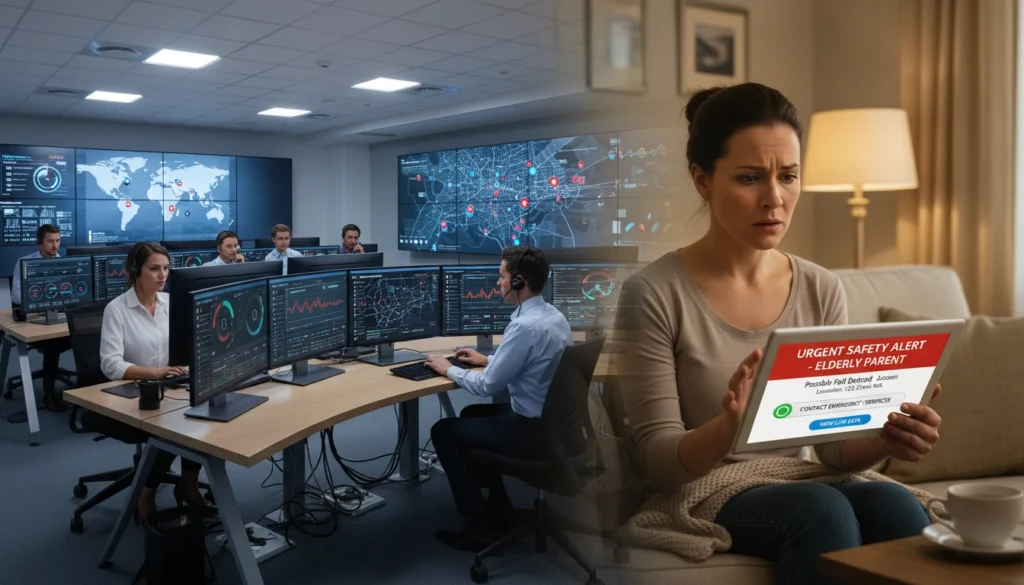
Not all safety alerts for seniors are built the same, and that’s actually a feature, not a bug. Different lifestyles need different solutions.
Home-Based Systems
These use a base unit connected to a landline or cellular network and cover the home. They’re reliable, affordable, and perfect for seniors who spend most of their time indoors. The catch? Step outside the coverage zone and you’re on your own. My grandmother, who rarely left the house in her later years, used one of these — and it worked beautifully for her situation.
Mobile Alert Systems
These run on cellular networks, which means they work at the grocery store, on a walk around the block, or visiting a friend two towns over. For active seniors — and there are a lot of them — this is usually the smarter choice.
Wearable Safety Devices
This is the broadest category and the one most people picture when they think of safety alerts for seniors:
- Pendants — lightweight, discreet, easy to press in a panic
- Wristbands — worn like a fitness tracker, comfortable for all-day use
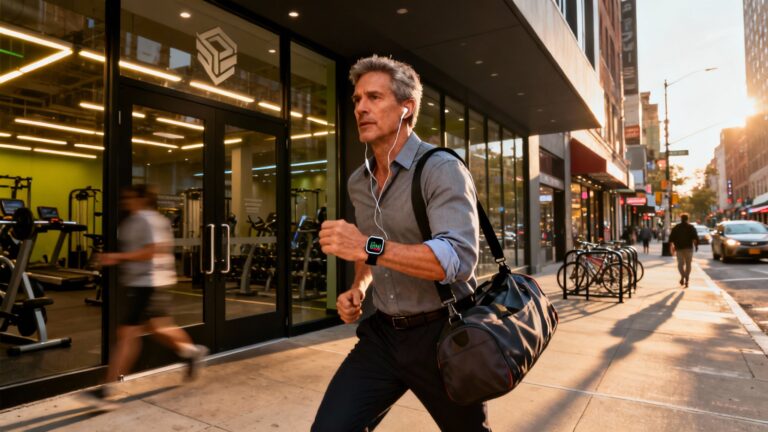
- Smartwatches with emergency features — the most full-featured option, combining health monitoring, GPS, and emergency calling in one device
The ENABLE project, a research initiative on wearable devices for independent living (Victor, 2010), made a point that stuck with me: the best wearable solutions work both inside and outside the home. A device that only functions in the living room isn’t really serving the senior’s full life. Independence means being able to go places — and the right device should go with them.
Fall Detection: The One Feature I’d Never Skip
If I could only recommend one feature to every family I talk to, it would be automatic fall detection. No contest.
Here’s the uncomfortable truth: when someone falls and gets hurt, they may not be able to press a button. They might be disoriented, unconscious, or just too shaken to react. Fall detection removes that dependency entirely. The device senses the fall — through accelerometers that recognize the sharp downward motion followed by stillness — and automatically triggers an alert. No button press. No hoping the person can reach the device.
For my grandmother, this would have changed everything about that bathroom afternoon.
The difference between getting help in five minutes versus five hours can determine whether a broken hip leads to a full recovery or a much more serious outcome. Research consistently shows that fall detection shortens response times and reduces the risk of prolonged injury — and when you’re talking about an elderly person alone on a floor, that’s not a small thing.
Fair warning: fall detection isn’t flawless. Sitting down quickly or certain sudden movements can occasionally trigger a false alarm. But honestly? I’ll take a few false alarms over the alternative every single time.
Connectivity: Cellular, Wi-Fi, or Landline?
Think of connectivity like choosing a phone plan — coverage is everything.
Cellular is the most flexible. It works anywhere there’s a mobile signal, making it ideal for seniors who leave the house regularly. Most modern mobile alert systems use cellular, and it’s what I’d recommend for the majority of people.
Wi-Fi works well at home but requires a stable internet connection. If the router goes down or the senior wanders out of range, the device may not function. Solid for home-based systems, but not a standalone solution for active users.
Landline is the most traditional option — reliable for in-home use, but increasingly impractical as landlines disappear from households. And obviously, zero coverage outside the front door.
For most seniors, cellular wins. If budget is tight, a home-based Wi-Fi or landline system is still infinitely better than nothing — and that’s the real baseline here.
The Benefits Nobody Talks About Enough

The obvious benefit of safety alerts for seniors is emergency response. But there are quieter benefits that I think matter just as much.
The Independence Paradox
Here’s something I’ve seen play out in my own family: seniors often resist safety devices because they feel like a symbol of losing independence. My grandmother pushed back on the idea for months. “I’m not an invalid,” she’d say — and she was right. She wasn’t.
But here’s the paradox: a good safety alert system creates independence. It’s the reason someone can live alone confidently. It’s the reason a senior can take a walk without a chaperone, stay in their own home longer, and make their own choices without a family member hovering anxiously nearby. That’s not a loss of freedom. That’s freedom with a safety net — and once my grandmother understood it that way, she never took the device off.
Peace of Mind That’s Actually Earned
There’s a difference between telling yourself “I’m sure she’s fine” and actually knowing that if something went wrong, an alert would fire. The first is wishful thinking. The second is peace of mind you’ve actually earned. For caregivers managing the low-grade anxiety of not knowing, that distinction is enormous.
Remote Monitoring That Works
Modern systems often include caregiver apps with real-time activity updates, alert notifications, and location tracking. A 2015 study on omni-directional vision sensor systems for elderly care showed how automated monitoring can detect motion, recognize posture, and flag behavioral anomalies before they become emergencies. The technology has only gotten better since then — and having that visibility, even from across town, changes the caregiving experience in ways that are hard to overstate.
How to Actually Choose the Right System
This is where most people get stuck — and I get it. The options are overwhelming, the marketing language is thick, and everyone claims to be the best. Here’s how I’d cut through it.
Start With the Senior’s Real Life
Not the idealized version — the actual one. Does your loved one mostly stay home, or are they out and about regularly? Do they live alone? Do they have a history of falls, heart issues, or cognitive decline? The answers to these questions will eliminate half the options immediately.
The Features That Actually Matter
When comparing safety alerts for seniors, these are the ones I’d never compromise on:
- 24/7 monitoring — emergencies don’t respect business hours
- Automatic fall detection — especially critical for seniors living alone
- Two-way voice communication — so they can speak directly to a responder
- Water resistance — because bathrooms are where falls happen most
- Long battery life — a dead device protects no one
Ease of Use Is Non-Negotiable
The most feature-packed device in the world is useless if the senior won’t wear it or can’t figure out how to use it. I’ve seen this happen. A family spends $300 on a sophisticated smartwatch and it sits in a drawer because it’s too complicated. Involve your loved one in the decision. Let them try things on. Comfort and simplicity matter more than specs.
The Real Cost Conversation
Most safety alert systems for seniors involve two costs: an upfront device purchase and a monthly monitoring fee, typically ranging from $20 to $50+. That adds up over a year, so factor it into your planning honestly.
Before you assume you’re paying full price, make a few calls. Some Medicare Advantage plans cover medical alert devices. Medicaid coverage varies by state. Long-term care insurance policies sometimes include it. Local Area Agencies on Aging are a great resource for finding financial assistance programs in your area. It’s worth an hour of research before writing a check.
Common Questions I Hear All the Time
Can fall detection work without a smartphone? Yes — and this matters a lot. Many devices include built-in cellular radios that connect directly to monitoring centers without needing a paired phone. For seniors who don’t carry a smartphone (or who might not have one nearby during a fall), this is essential.
Are these systems covered by insurance? Traditional Medicare generally doesn’t cover medical alert devices, but some Medicare Advantage plans do. Always ask — don’t assume the answer is no.
Can seniors use these while traveling? Absolutely, as long as the device uses cellular connectivity and coverage extends to the destination. GPS tracking adds an extra layer of reassurance during trips. Just check the coverage map before heading out.
What about privacy? Legitimate concern. These systems collect location data, health metrics, and activity patterns. Look for providers that use encryption, comply with privacy regulations, and have transparent policies. Read the fine print — it’s worth it.
Where This Is All Headed: AI, Smart Homes, and Smarter Safety
The next generation of safety alerts for seniors isn’t just reactive — it’s predictive. And that shift is a big deal.
AI That Sees Patterns Before Problems Develop
AI-driven systems can analyze a senior’s daily patterns — when they wake up, how much they move, their typical activity levels — and flag deviations that might signal trouble. If someone who normally takes a morning walk suddenly stops moving for an unusual stretch, the system alerts caregivers proactively. It’s the difference between responding to an emergency and preventing one. That’s not science fiction — it’s available now, and it’s only getting more sophisticated.
Smart Homes That Work With You
When safety alert systems connect with smart home devices, the home itself becomes part of the safety net. An alert can trigger lights to turn on automatically (reducing fall risk in the dark), unlock the front door for emergency responders, or push a notification to a caregiver’s phone. The home becomes responsive in a way that feels almost invisible — which is exactly how good safety design should work.
The Bottom Line
Here’s what I keep coming back to after everything I’ve learned and experienced: the best safety alert for seniors is the one that actually gets used. Not the one with the most features. Not the most expensive one. The one your loved one will actually wear, every day, without complaint.
So involve them in the decision. Let them try things on. Frame it not as “we’re worried about you” but as “this gives you more freedom” — because that’s genuinely, honestly true. My grandmother wore her device every single day once she understood that. It didn’t make her feel old. It made her feel like she could keep living her life on her own terms.
The technology is better than it’s ever been. The options are more varied and more affordable. And the peace of mind — for seniors and the families who love them — is real, measurable, and absolutely worth it.
Start with one conversation. Ask your loved one what they’d actually be comfortable wearing. Go from there. You’ve got this.
Sources: GC Chung (2023), IoT-based elderly monitoring system; CR Victor (2010), ENABLE wearable device project; Remote safety monitoring for elderly persons based on omni-vision analysis (2015); CDC injury statistics for adults 65+.